On your own PC · no credits · no uploads
You just haven't been shown how. TameDiffusion is a studio that makes the pictures and a course that makes you good at it. Nothing leaves your PC. Pay once.
The course bends toward you
Pick up to three. It's the first question the course asks, and everything after bends toward your answer: your first picture, the examples, the challenges, the next lesson it suggests, the briefs Prompt Studio rolls for you. No two students take the same course.
Your path
Tap a few pictures and watch a route through the course draw itself for you.
Your first picture, written for you
The course writes your first prompt from what you picked, so your first run on your own PC is something you actually wanted to see.
ComfyUI, finally understandable
Every workflow lesson pairs a recording of the real ComfyUI with a live map of the same workflow. The map follows the video, frame for frame: the box being wired lights up, the wire draws itself, and a line tells you why. Click any box and the video jumps to it.
Press play. The map follows along.
Lesson 1.2 · the seven boxes every picture goes throughThen it's your turn
Same seven boxes, nothing connected. Drag from dot to dot. Colours only join their own kind, exactly like the real thing, and the lesson tells you when the machine would run. This is the real lesson piece, live on this page.
The Studio
Your own image studio, on your own card. Presets instead of knobs, a choice of models, and a what-next button on every picture. Press a move and watch it happen to one picture.
Krea 2 when you want it to look real, FLUX.2 Klein when words have to be readable, Juggernaut XL when you want LoRAs. Each model carries its own settings.
Every picture keeps its recipe. Vary it, extend it, upscale it, roll a new seed, or reuse those settings on something else. One click each.
A lesson about outpainting opens the Studio in Extend mode with the picture and the prompt already in place. You practise the idea, not the setup.
Upscale doubles a picture and redraws the fine detail, so a picture you love is ready for a print, a cover or a wallpaper.
Every model, not just one
The course doesn't marry one model. Here is one sentence run through six of the models you'll learn, on the same 8 GB card. You learn what each one is good at, how each one wants to be talked to, and when to switch.
promptA lone samurai in dark lacquered armour standing in a field of tall silver grass at dusk, a huge pale full moon rising behind him, wind bending the grass, low angle, cinematic
Prompt Studio
Six parts make a prompt: shot, subject, details, place, light, style. Prompt Studio writes in those parts, colours them, counts the real tokens, catches the mistakes the model will punish you for, and translates the whole thing into whatever model you're using. And every prompt is one click from a picture.
The same recipe, rewritten for the model you picked. Comma phrases for SDXL, full sentences for Krea, Klein and MOSS, tags for anime models.
Checks run while you type. Four problems in this one, each explained.
The course's own CLIP tokenizer counts exactly what SDXL sees. Past 75, the model starts a new chunk and the first words win. Type and watch.
Lock the seed, change one part, compare. Prompt Studio keeps a notebook of every try and what changed. Drag the handle.
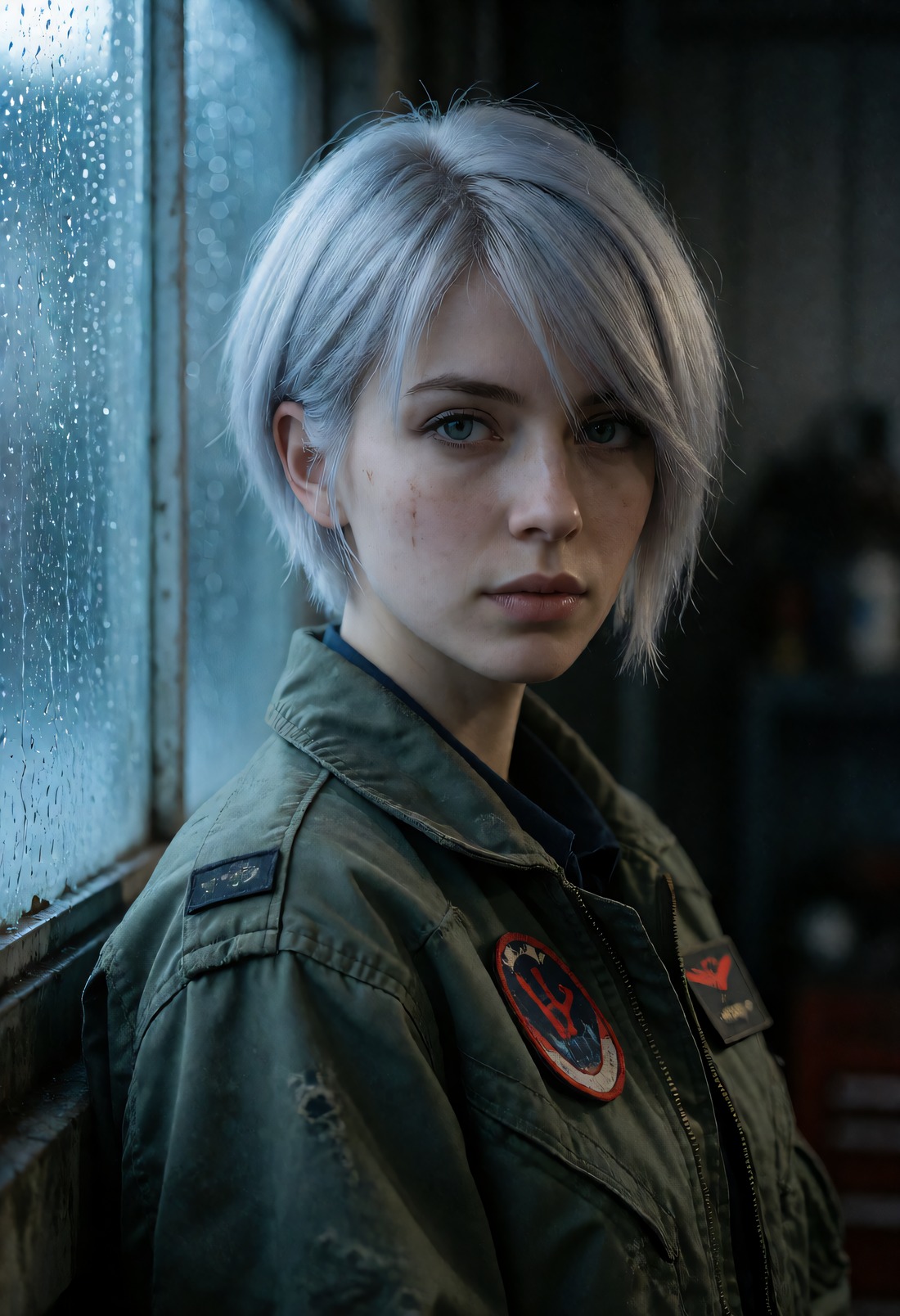
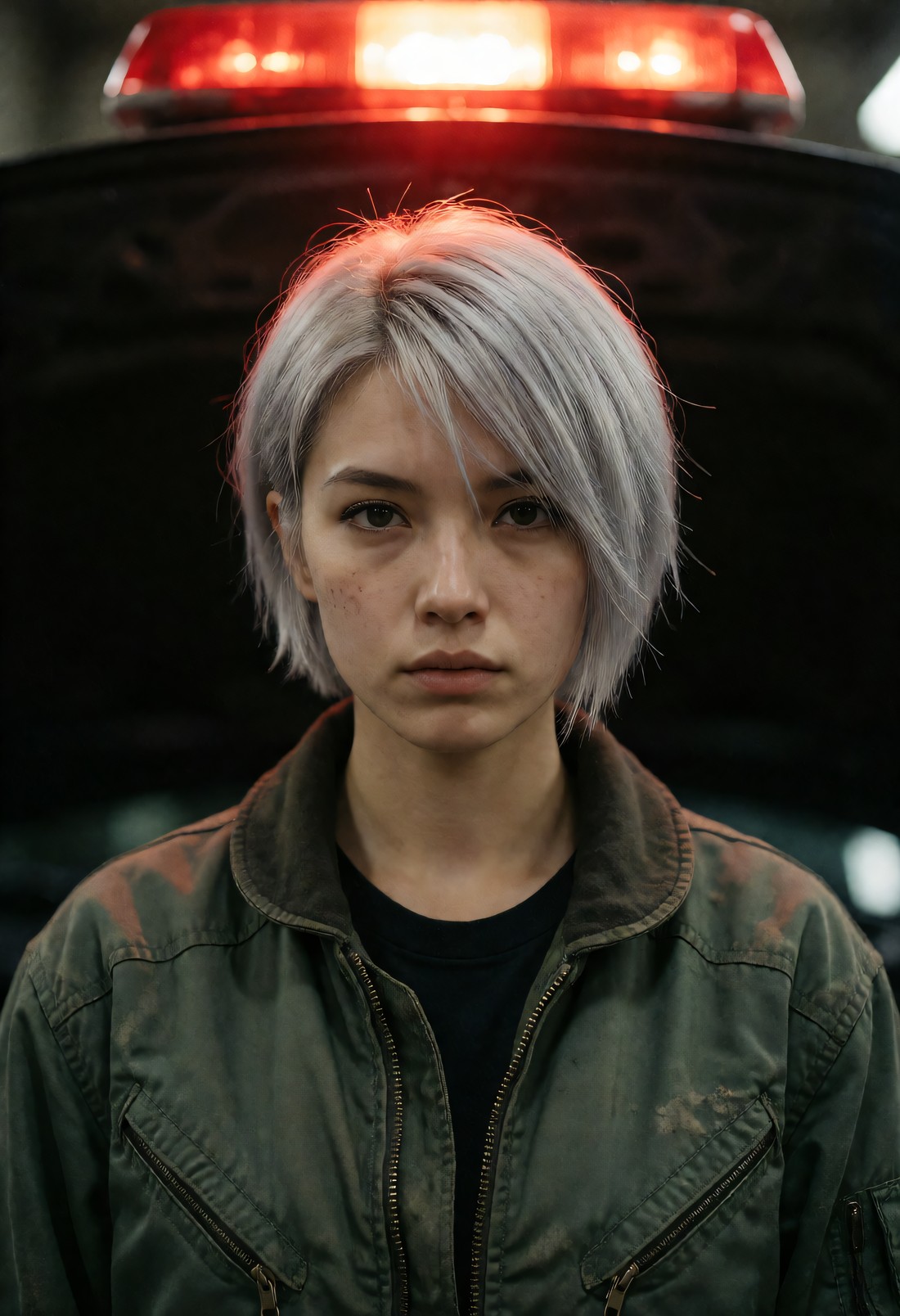
cold window lightred light from aboveStuck? Roll a brief. It's written from the things you picked above, on one of the starter recipe cards, so it's never a random mess.
The course
Seven levels from "which graphics card do I have" to pipelines you build yourself, ten genre tracks, and a capstone that ends with a portfolio page. Every lesson is its own world, and almost every lesson has something to turn, drag or break.
Inside a lesson
The seed is the noise every picture starts from, and the layout grows out of it. Top row: the same words with three seeds, and the road, the angle and the car all move. Bottom row: one seed locked and a single phrase swapped. The road stays put; only the world changes. That's lesson 1.3: roll until the layout is right, lock it, then change the words.
The library
Hover to borrow a picture's colour. Click one and you get the model, the seed, the settings and the prompt in its six parts, ready to open in the Studio on your own PC tonight.
Why your own PC
Because the website owns your pictures, your prompts and your meter. The moment you learn how the machine works, the machine is yours.
Smaller models and smart offloading. Slower, but every lesson works. Setup picks the right models for your card.
Krea 2, Klein, MOSS and every XL model fit. This is the card most of the course was made on.
Level 0, the whole Prompt Studio and the library work on any PC. The course shows you how to borrow a GPU when you want to render.
| A website | TameDiffusion | |
|---|---|---|
| What it costs | A subscription, or credits that run out mid-idea | One price, once. Your card does the work |
| How many pictures | As many as your plan allows | As many as you like, all night |
| Your pictures and prompts | On their servers, under their terms | On your disk. Nothing is uploaded |
| Control | A box and a button | Seeds, masks, ControlNet, your own LoRAs, your own workflows |
| What you walk away with | Some pictures | A skill, a portfolio, and a machine you understand |
Early access
No subscription, no credits. Founders get every future update, and the price goes up when the course is complete.
Early access means the course is still growing. You get what's built today and everything that ships after it, for the founders' price. Prices in US dollars.
See if it's for you
Everything, forever
The tools without the lessons
Fair questions
The six things people ask first. Anything else, the course answers in Level 0, which is free.
No. One price, once. Founders get every update after that. There are no credits and no meter: your graphics card is the meter, and it's already paid for.
If you have a graphics card with 4 GB or more, yes, with the right models for your card. 8 GB is comfortable. Setup checks your machine and picks what fits. With no graphics card you can still do Level 0, the Prompt Studio and the library, and the course shows you how to rent a GPU by the hour when you want to render.
No. The course starts from nothing and teaches ComfyUI properly, with recordings of the real thing beside a map that follows along. The Studio hides the boxes until you want to see them.
No. Models, pictures and prompts all live on your disk. The course runs on a small local server on your own PC. The only thing that touches the internet is downloading the models you choose.
Krea 2 Turbo, FLUX.2 Klein, MOSS-Image, Juggernaut XL, epiCRealism XL and Illustrious, plus newer families as they earn a place. You learn what each is good at and how each wants to be talked to. The principles (light, seeds, guidance, composition) don't change when the models do.
Yes. Everything in the course, the library and the tools is suitable for a classroom or an office. No exceptions.
Early access opens soon
Leave an email and you'll be first through the door, at the founders' price.
You're on the list. Thank you.
No newsletter. One email when the doors open, one when the price changes.